

Best Free Resume-Builder Websites in 2025 (Top Tools to Create a Professional Resume Fast)
November 27th, 2025

Top Tools to Create a Professional Resume Fast (ATS-Friendly & Recruiter-Approved)
In 2025, your resume is no longer just a document — it’s a digital gatekeeper. With Applicant Tracking Systems (ATS), AI resume scanners, and automated hiring workflows dominating recruitment, a poorly formatted resume can reject you before a human ever sees it.
The good news?
You don’t need design skills, expensive software, or paid subscriptions to build a professional resume anymore.
In this in-depth guide, we’ll explore the best free resume-builder websites in 2025 that help you create ATS-friendly, recruiter-approved resumes quickly — whether you’re a fresher, job switcher, freelancer, or remote job seeker.
Job Interview Questions & Advice>>
Why Use an Online Resume Builder in 2025?

Hiring has changed drastically. Most companies now use:
-
ATS filters
-
AI resume scoring
-
Skill-based screening
-
Keyword matching
A modern resume builder helps you:
-
Structure content correctly
-
Avoid formatting errors
-
Use ATS-readable layouts
-
Save time with smart suggestions
Manual resumes created in Word or Google Docs often fail ATS scans — especially when columns, icons, or images are used incorrectly.
What Makes a Resume Builder “Good” in 2025?
Before we list the tools, here’s what we evaluated:
| Criteria | Why It Matters |
|---|---|
| ATS-friendly layout | Prevents auto-rejection |
| Free export (PDF/DOC) | No forced payment |
| Custom sections | Skills, projects, certifications |
| Modern templates | Recruiter-friendly |
| Ease of use | No learning curve |
| Data privacy | No spam or misuse |
1. Resume.io
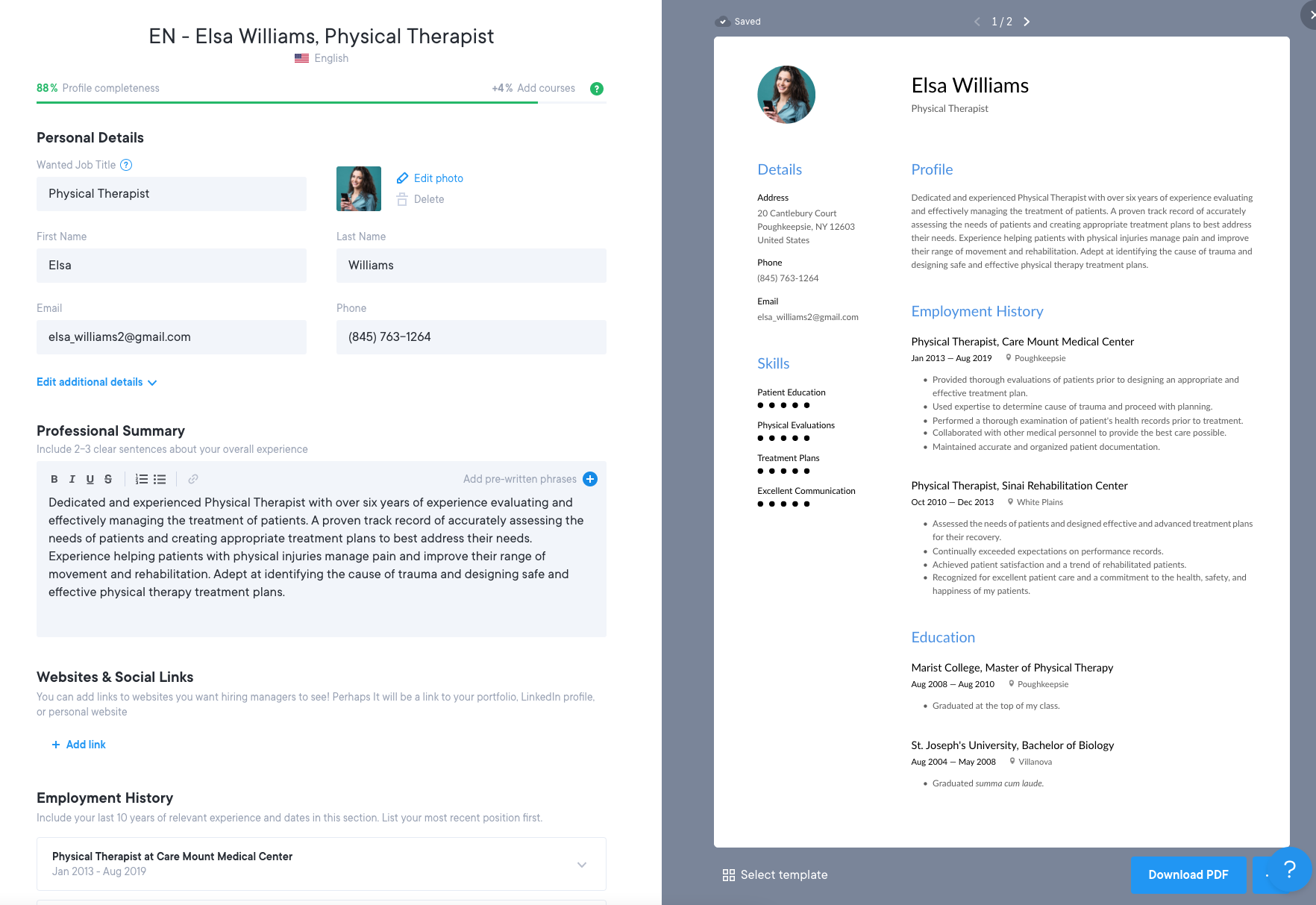
Website: https://resume.io
Resume.io is one of the most popular resume builders globally. It offers clean, ATS-optimized templates and a smooth editing experience.
Key Features
-
ATS-friendly formats
-
Professional modern templates
-
Resume examples by job role
-
Easy customization
Free Plan Limitations
-
Limited templates
-
Watermark on some exports
Best for: Job seekers who want speed + simplicity
2. Zety
Website: https://zety.com
Zety focuses heavily on content guidance, helping users write strong bullet points.
Highlights
-
Step-by-step resume writing
-
Built-in suggestions
-
ATS-safe formatting
Note
Resume preview is free; download may require workaround or trial.
Best for: Beginners who struggle with resume wording
3. Indeed Resume Builder

Website: https://www.indeed.com
Indeed allows you to create a resume 100% free and apply directly to jobs.
Why It’s Powerful
-
Fully ATS-compatible
-
One-click job applications
-
Recruiter visibility
Best for: High-volume job applications
4. Canva (Resume Section)
Website: https://www.canva.com
Canva offers visually stunning resumes — but must be used carefully for ATS.
Pros
-
Beautiful modern templates
-
Free PDF downloads
-
Easy drag-and-drop
ATS Tip
Use single-column, text-heavy templates only.
Best for: Designers, marketers, creatives
5. Novorésumé
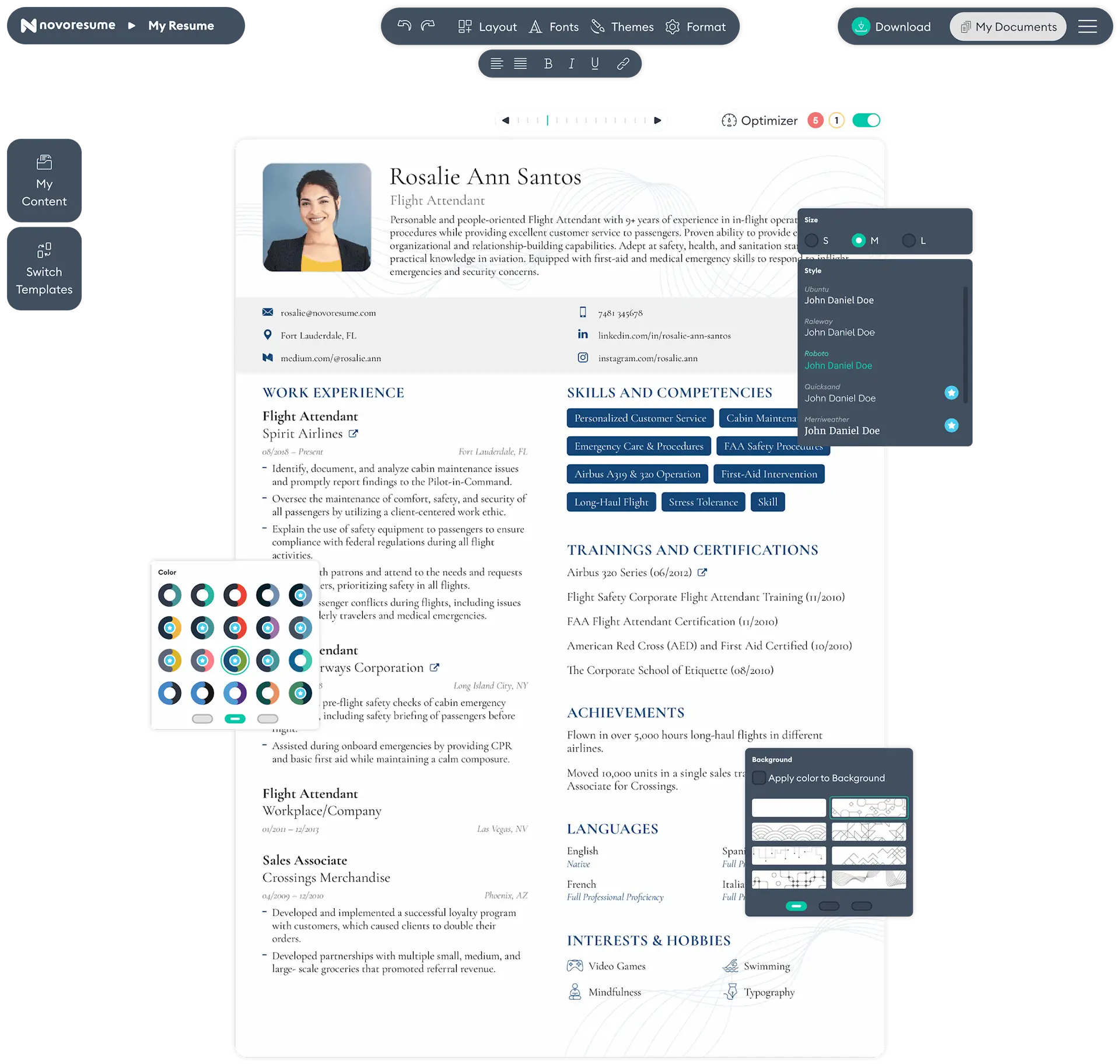
Website: https://novoresume.com
Novorésumé balances design + ATS safety.
Strengths
-
Skill-based layouts
-
Job-specific templates
-
Clean formatting
Best for: Professionals with 2–8 years experience
6. Kickresume

Website: https://www.kickresume.com
Kickresume provides resume + cover letter bundles.
Features
-
ATS-compliant templates
-
Grammar checking
-
Resume website option
Best for: Corporate & international roles
7. Standard Resume
Website: https://standardresume.co
Ultra-minimal, ATS-perfect resumes.
Why Recruiters Love It
-
Zero distractions
-
Clean typography
-
Strong hierarchy
Best for: Tech, finance, consulting roles
8. FlowCV
Website: https://flowcv.com
FlowCV is completely free and underrated.
Standout Points
-
Unlimited resumes
-
PDF export free
-
No watermark
Best for: Budget-conscious job seekers
9. Reactive Resume
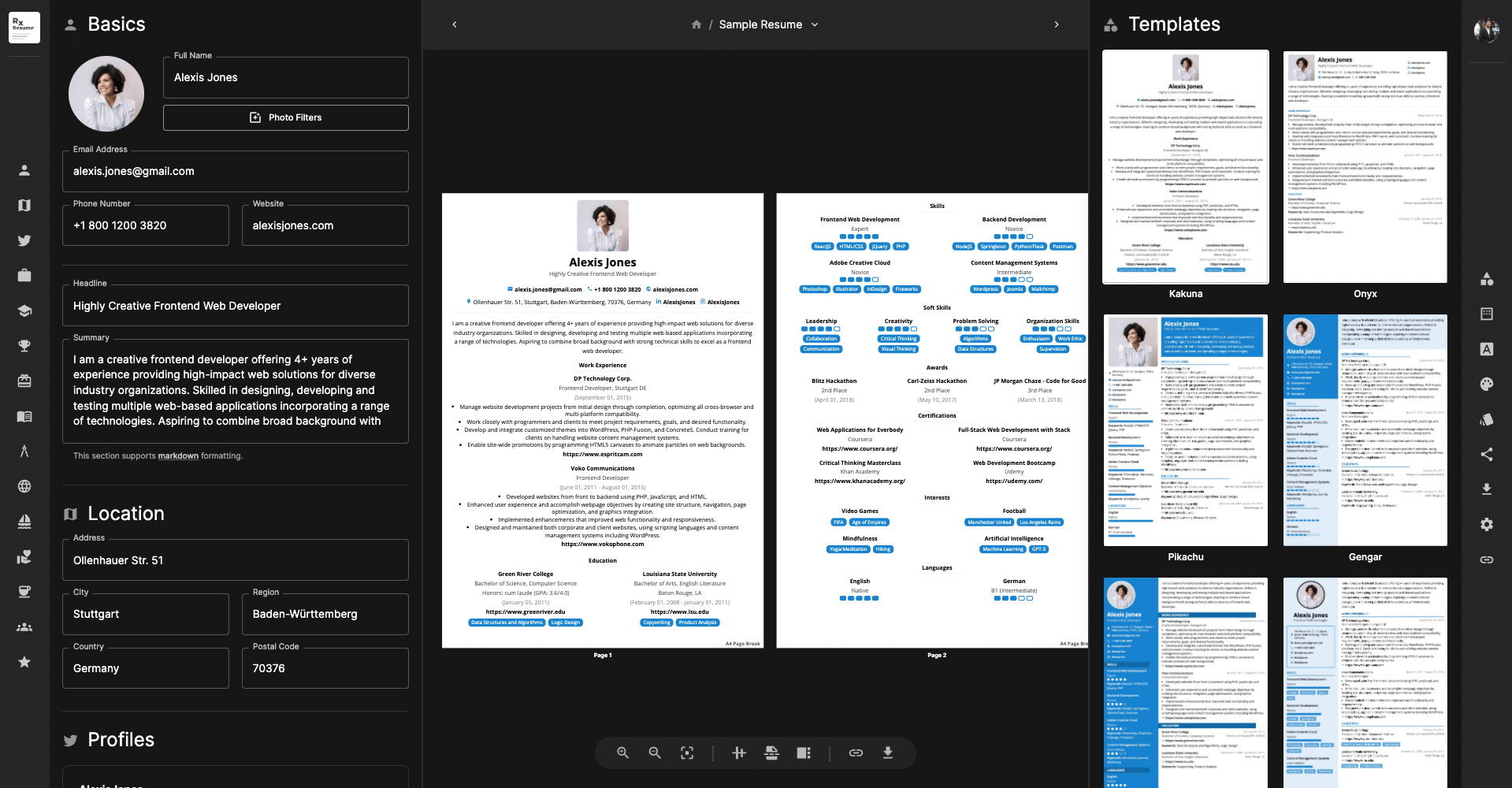
Website: https://rxresu.me
Open-source and privacy-focused.
Why It’s Unique
-
No account required
-
Full control over data
-
ATS-friendly JSON structure
Best for: Developers & privacy-focused users
10. Resume.com
Website: https://www.resume.com
Simple, clean, and totally free.
Best for: Freshers & students
11. CV Maker
Website: https://www.cvmaker.com
CV Maker is a globally used resume-building platform designed for users who want quick, professional CVs with minimal effort. It’s especially popular among students and international job seekers.
Key Features
-
Step-by-step CV creation
-
Simple, ATS-friendly layouts
-
Multiple language support
-
Clean formatting for Europe & global markets
Free Version Limitations
-
Limited downloads
-
Some templates locked behind paywall
Best for:
🎓 Students, entry-level professionals, and international job applications
12. MyPerfectResume
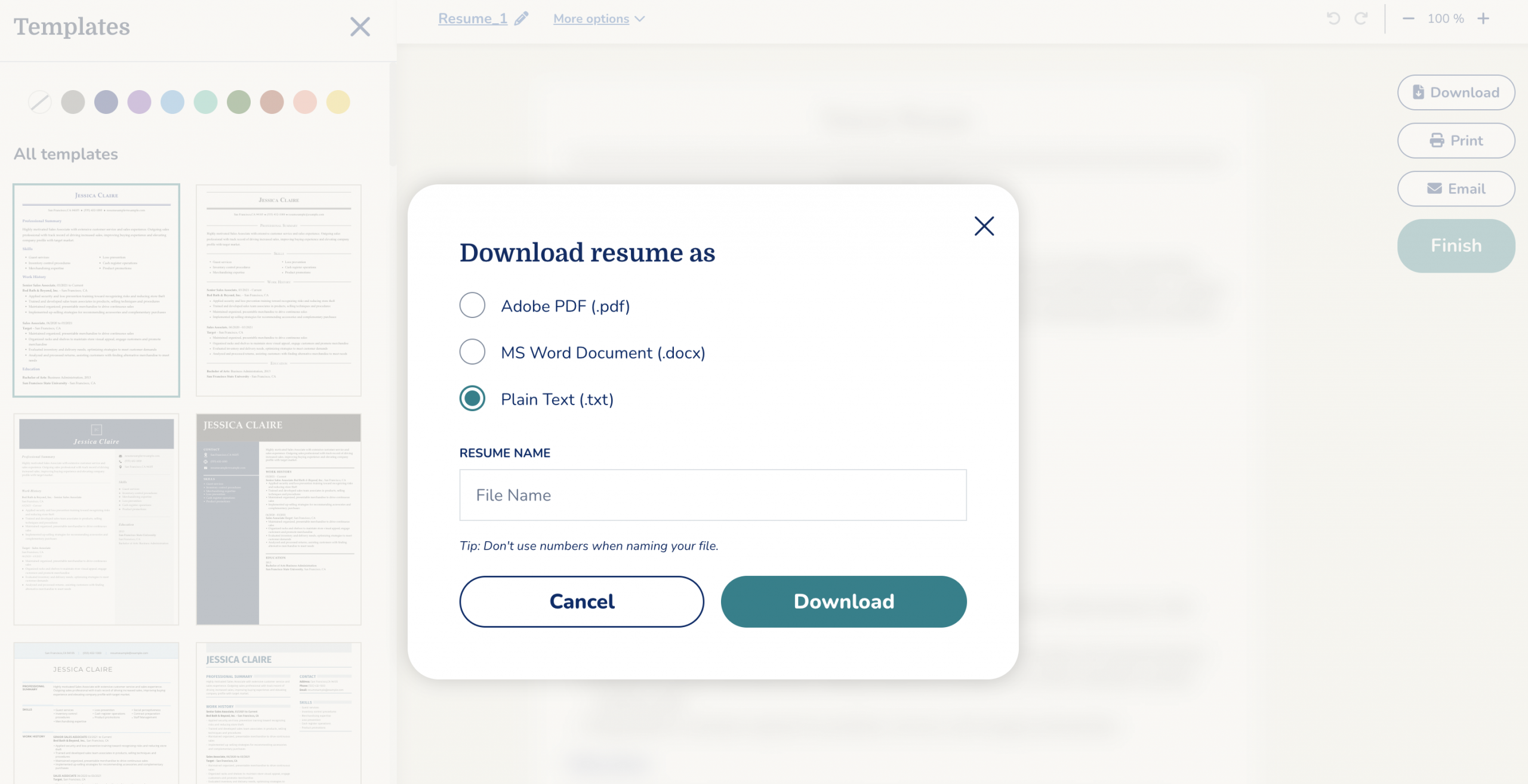
Website: https://www.myperfectresume.com
MyPerfectResume focuses on guided resume writing, helping users craft strong bullet points aligned with recruiter expectations.
Why It Stands Out
-
Industry-specific resume examples
-
Pre-written phrases for experience & skills
-
Cover letter builder included
-
ATS-friendly formatting
Free Plan Reality
-
Resume preview is free
-
Download requires trial or subscription
Best for:
🧑💼 Career switchers & professionals who struggle with resume wording
13. VisualCV
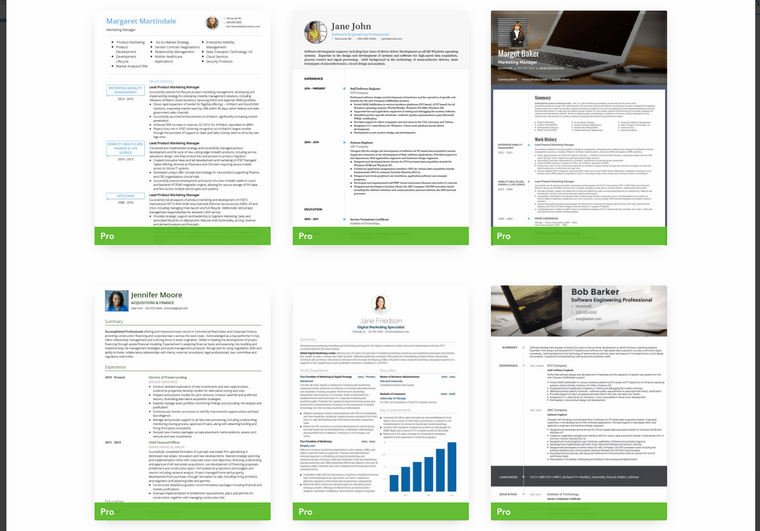
Website: https://www.visualcv.com
VisualCV combines resume creation with online portfolio features, making it ideal for professionals who want more than a PDF.
Key Benefits
-
Online resume + downloadable PDF
-
Version tracking & analytics
-
ATS-safe templates available
-
Resume sharing via link
Free Plan
-
Limited templates
-
VisualCV branding on some exports
Best for:
🎨 Designers, marketers, consultants, freelancers
14. Enhancv
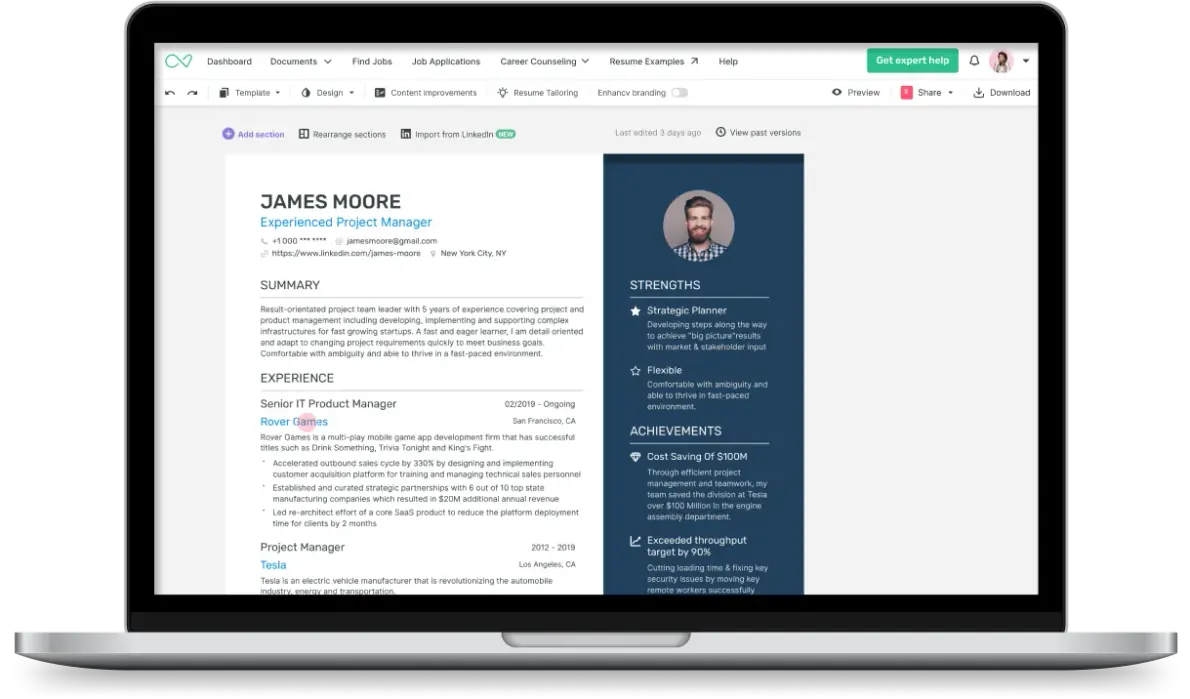
Website: https://enhancv.com
Enhancv focuses on storytelling resumes, helping candidates highlight personality, achievements, and impact — while still remaining ATS-aware.
Unique Features
-
Achievement-driven sections
-
Soft skills & impact blocks
-
Resume performance checks
-
Modern yet readable layouts
Important Note
-
Best used with ATS-optimized templates
-
Free downloads are limited
Best for:
🚀 Mid-level to senior professionals, leadership roles, startups
15. Hloom
Website: https://www.hloom.com
Hloom provides completely free resume templates downloadable in Word format, making it ideal for users who prefer manual control.
Why Choose Hloom?
-
100% free templates
-
ATS-friendly Word documents
-
No signup required
-
Cover letters included
Limitations
-
No online resume editor
-
Manual editing needed
(These tools offer limited free exports, but are useful for drafting and formatting inspiration.)
ATS Optimization Tips (Critical for 2025)
- Use standard headings: Experience, Skills, Education
- Avoid icons, charts, images
- Use keywords from job descriptions
- Stick to PDF or DOCX
- One column layout only
Best Resume Builders by Use Case
| Use Case | Best Tool |
|---|---|
| Freshers | Resume.com, Indeed |
| Developers | Reactive Resume |
| Designers | Canva (ATS-safe) |
| Corporate jobs | Standard Resume |
| Free forever | FlowCV |
Final Thoughts: Which Resume Builder Should You Choose?
There is no single “best” resume builder — only the right one for your career stage.
If you want:
-
💼 Corporate / MNC jobs → ATS-focused tools
-
🎨 Creative roles → Visual builders (carefully)
-
💻 Tech roles → Minimal & structured resumes
Your resume is your first impression — make it count.
